Claude Code Best Practices: 12 Patterns That Actually Matter

Skip the generic tips. These 12 Claude Code best practices come from daily use across real projects — covering prompting, context management, safety, and workflow.
Most Claude Code advice is either obvious ("be specific in your prompts") or irrelevant ("here are 50 slash commands"). The practices that actually change your productivity are the ones that address how you structure work, manage context, and avoid the failure modes that waste hours.
These 12 patterns come from daily use across multiple projects. They are ordered roughly by impact — the first few will change your workflow immediately, the later ones matter as you scale.
1. Start Every Task With a One-Paragraph Brief
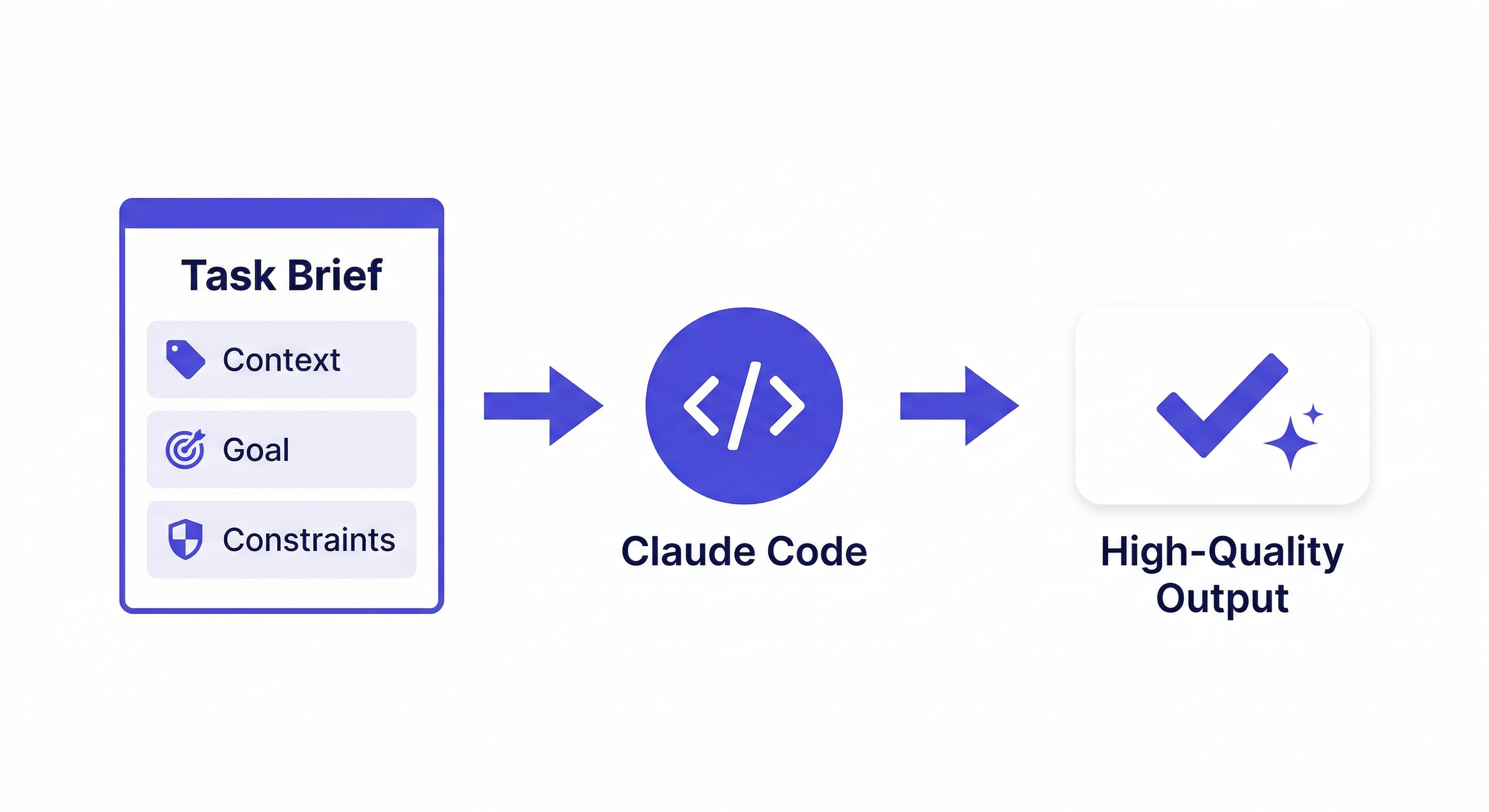
Do not type "fix the login bug" and hope for the best. Spend 30 seconds writing a brief:
"The login endpoint at src/routes/auth.ts returns 500 when the password field contains special characters like & and <. The bcrypt comparison fails because the input is not sanitized. Fix the comparison to handle special characters. Do not change the password hashing logic. Add a test case for passwords with special characters."
This is not about being verbose. It is about giving Claude Code the three things it needs: what is wrong, what the fix should look like, and what not to touch. The 30 seconds you spend writing this saves 10 minutes of back-and-forth corrections.
2. Use CLAUDE.md as Your Project Constitution
Create a CLAUDE.md at your project root with rules that never change:
## Stack
Next.js 14, TypeScript strict, Prisma, PostgreSQL

## Rules
- Named exports only
- All API responses: { data, error, status }
- Tests in __tests__/ mirroring src/ structure
- No console.log in production code

## Do Not
- Modify database schema without explicit approval
- Change authentication logic
- Add new dependencies without asking
Keep it short. Claude Code reads this every session. If it is 500 lines, you are wasting context window on instructions that should be in your linter config instead.
3. Break Large Tasks Into Checkpoints
Do not ask Claude Code to "build the entire checkout flow." Ask it to:
- Create the cart data model and database migration
- Build the cart API endpoints with tests
- Add the Stripe integration for payment processing
- Wire up the frontend checkout form
Each checkpoint is a commit. If step 3 goes wrong, you roll back to step 2 — not to the beginning. Claude Code handles each step better because the scope is clear, and you catch problems before they compound.
4. Default to Sonnet, Escalate to Opus
Sonnet handles 80% of coding tasks at a fraction of Opus's cost. Use it as your default.
Switch to Opus when:
- A Sonnet attempt produced incorrect or incomplete results
- The task involves reasoning across 5+ files with complex dependencies
- You are debugging something you cannot explain
- You need architectural planning, not just code generation
The /model command switches instantly without losing session context. There is no reason to run Opus for writing a unit test. claude-opus-vs-sonnet-coding
5. Commit After Every Successful Change
Claude Code can make sweeping changes across your codebase. If you let it make 5 changes before committing and the 5th one breaks something, you are untangling all 5.
One task, one commit. Use Claude Code to create the commit message — it has full context of what changed and why. If the next task goes wrong, git revert is clean and painless.
6. Use Hooks for Mechanical Quality
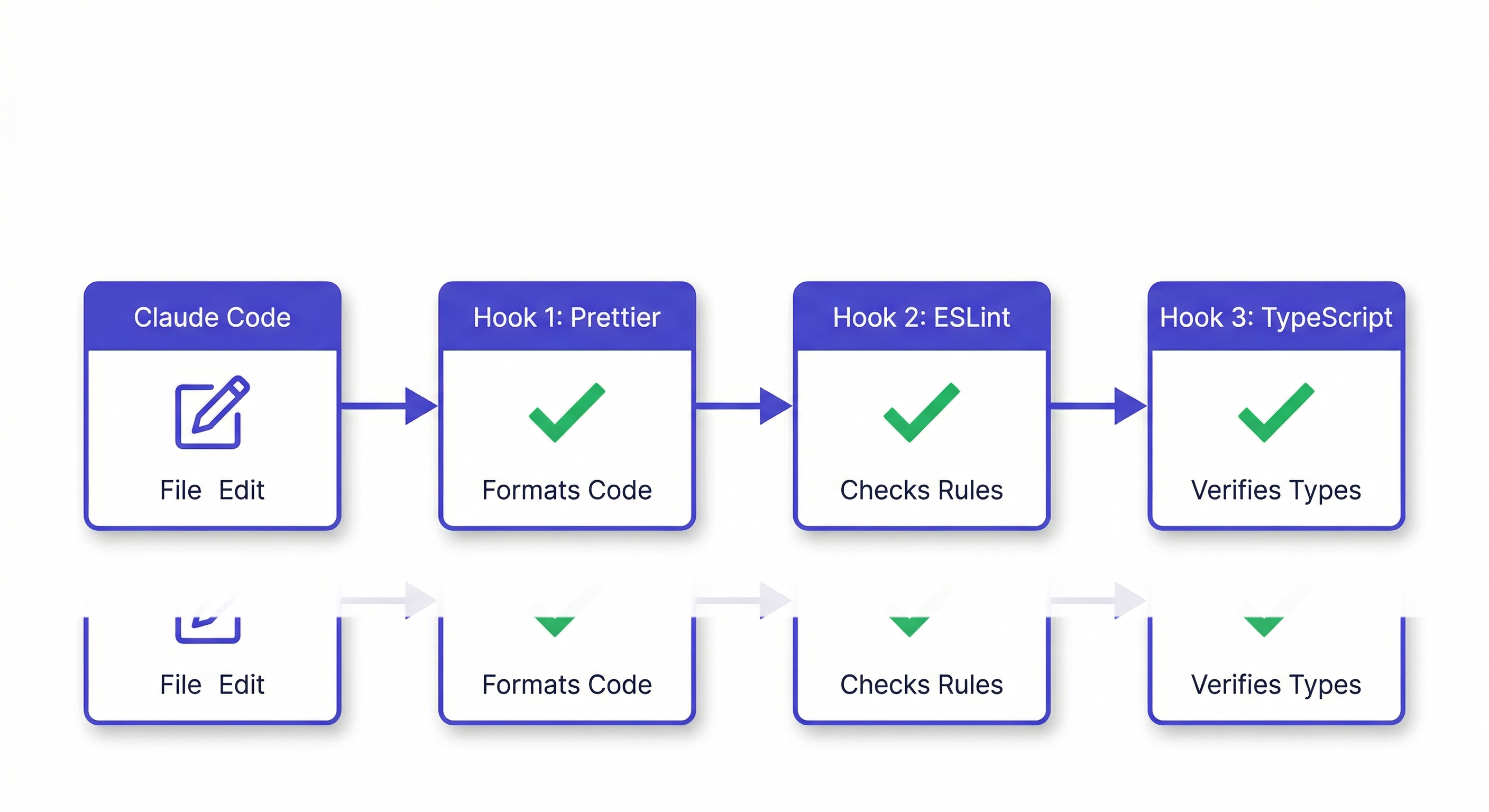
Do not manually run formatters and linters after every edit. Set up hooks in .claude/settings.json:
{
  "hooks": {
    "PostToolUse": [
      {
        "matcher": "Write|Edit",
        "command": "npx prettier --write $CLAUDE_FILE_PATH 2>/dev/null || true"
      }
    ]
  }
}
This runs automatically after every file change. You never think about formatting again. Add ESLint, type checking, or any other mechanical quality check the same way. claude-code-hooks-guide
7. Scope Multi-File Operations Explicitly
When asking for changes across multiple files, tell Claude Code exactly which directories or files are in scope:
"Refactor the error handling in src/api/ to use a shared ErrorResponse class. Only modify files in src/api/ and src/utils/errors.ts. Do not change tests yet — I will ask for that separately."
Without explicit scope, Claude Code may touch files you did not expect. This is not a bug — it is the agent being thorough. But thoroughness without boundaries creates surprises.
8. Use /compact Before You Hit the Wall
Long sessions degrade. Claude Code starts forgetting earlier instructions, re-reading files it already analyzed, and producing less coherent output. This happens gradually — you do not get a warning.
Run /compact proactively after 20-30 minutes of active work. It compresses the conversation history, keeping decisions and discarding verbose tool outputs. The session continues with a cleaner context.
If you wait until the output quality drops, you have already lost context that /compact cannot recover.
9. Review Diffs, Not Files
After Claude Code makes changes, do not re-read entire files. Use git diff to see exactly what changed. Claude Code often makes minimal, surgical edits — reading the full file hides the actual change in hundreds of unchanged lines.
For multi-file changes, git diff --stat first to see which files were touched, then git diff on each file individually. This is faster and catches unintended changes that you would miss reading full files.
10. Keep Project Context Across Sessions
CLAUDE.md handles static rules. But your project is not static. Sprint goals change. Architecture decisions accumulate. Bugs get discovered and fixed. Task progress evolves daily.
None of this survives a session restart. Every morning, you re-explain what you worked on yesterday.
Persistent memory tools solve this. MemClaw stores your project context — decisions, progress, conventions — in isolated workspaces that load automatically. Your Monday morning session starts where Friday afternoon left off.
export FELO_API_KEY="your-api-key-here"
/plugin marketplace add Felo-Inc/memclaw
/plugin install memclaw@memclaw
This is especially critical if you manage multiple projects. Without workspace isolation, Client A's context bleeds into Client B's session. claude-code-memory
11. Do Not Fight the Agent — Redirect It
When Claude Code takes a wrong approach, do not say "that is wrong, try again." Say "the approach should use X instead of Y because Z." Give it the reasoning, not just the rejection.
Claude Code learns within a session. If you explain why an approach is wrong, it applies that reasoning to subsequent tasks. If you just reject the output, it guesses a different direction — which may also be wrong.
12. Treat Claude Code as a Senior Developer With Amnesia
Claude Code has the skills of a senior developer. It understands design patterns, can reason about architecture, and writes production-quality code. But it has complete amnesia between sessions.
The best practices above all address this fundamental tension: high capability, zero memory. Structure your workflow around it:
- CLAUDE.md for rules that never change
- Hooks for mechanical quality enforcement
- Persistent memory for evolving project context
- Clear briefs for each task within a session
- Small commits to contain the blast radius of mistakes
Get these right, and Claude Code becomes the most productive tool in your stack.
Add persistent project memory → memclaw.me
claude-code-vs-cursor | how-to-use-claude-code | claude-code-context-window