Claude Code Keeps Forgetting? How to Fix Context Loss and Buddy Resets

Claude Code auto-compacts at message 20 and loses all your file paths, decisions, and context. Here's why it happens and how MemClaw fixes it permanently.
You're twenty messages into a session. Claude knows your project structure, the architectural decisions you made last week, the specific version constraints you're working around. Then it auto-compacts.
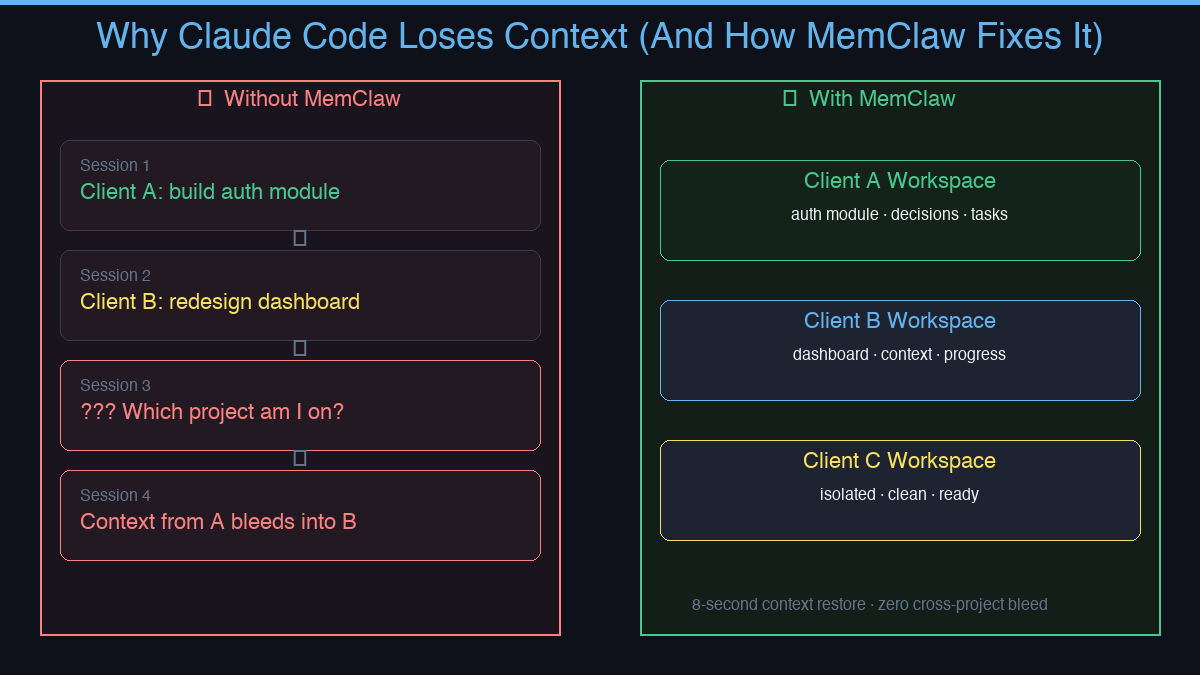
Next message, it's gone. Files you discussed, decisions you made, the whole thread — wiped. You spend the next ten minutes re-explaining everything before you can get back to actual work.
This isn't a bug. It's a fundamental constraint of how context windows work. But it's completely solvable.
Why Claude Code Forgets
Claude Code operates within a context window — a fixed amount of text it can hold at once. When a session grows long enough, older content gets compressed or dropped. The model doesn't "remember" previous sessions at all; each new session starts completely fresh.
For a single short task, this is fine. For ongoing projects — especially when you're juggling multiple clients or codebases — it creates a real workflow problem.
The symptoms:
- Re-explaining your stack at the start of every session
- Architectural decisions made last week getting ignored or contradicted
- Context from Project A bleeding into Project B
- Losing track of what's in progress across five parallel workloads
What MemClaw Does
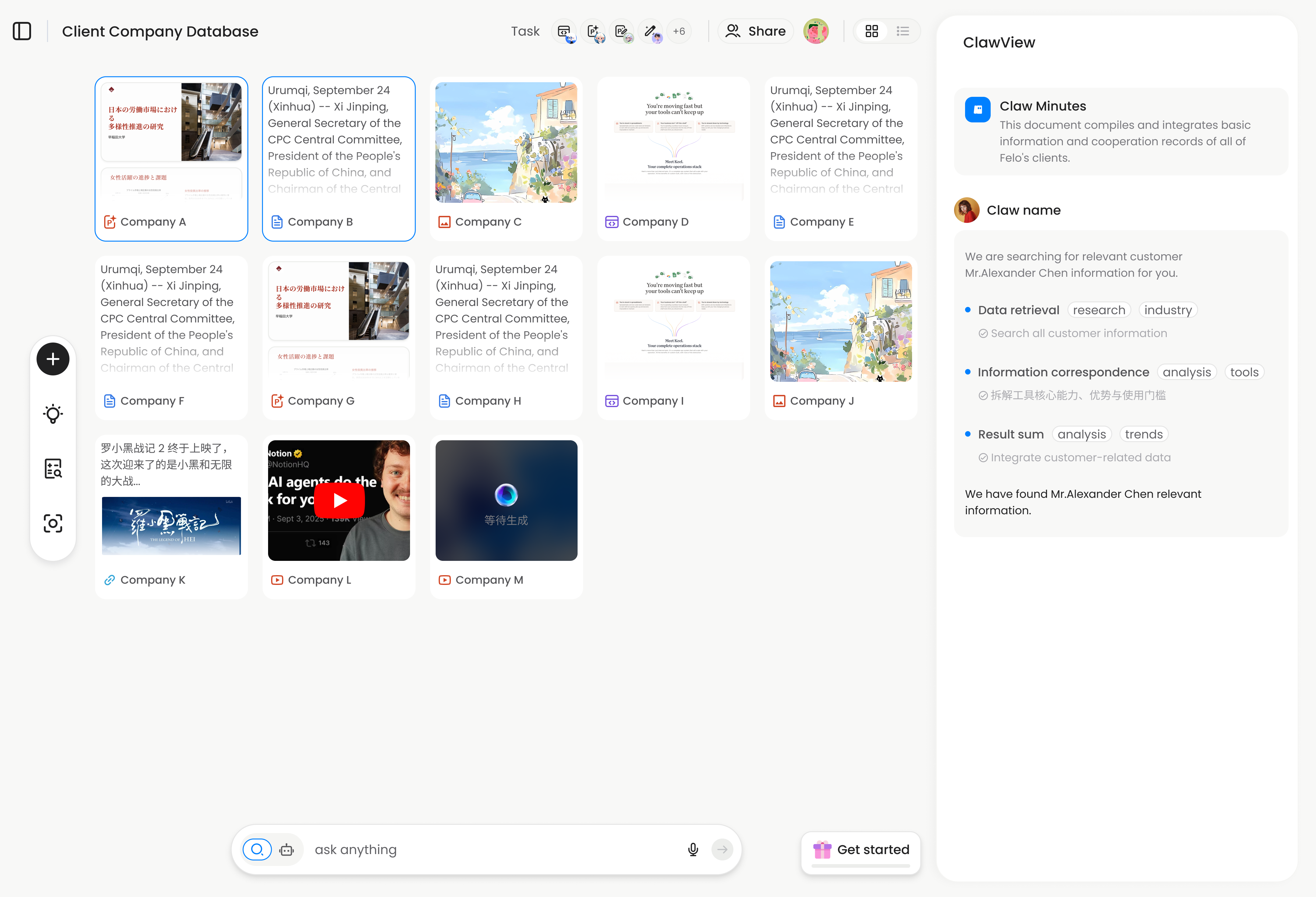
MemClaw gives each project its own isolated workspace. One project = one workspace. When you open a session, the agent loads that workspace and immediately knows where things left off.
What gets stored per workspace:
- Living README — project background, preferences, constraints
- Artifacts — documents, reports, URLs, files
- Tasks — auto-tracked as the agent works
- Decisions — why you chose X over Y, logged automatically
Context restore takes about 8 seconds. No re-briefing. No copy-pasting. No CLAUDE.md hacks.
Who This Is For
MemClaw isn't just for developers. Anyone using Claude Code or OpenClaw across multiple projects hits this problem:
- Freelancers managing multiple clients — Client A's context bleeds into Client B
- Product managers tracking multiple features simultaneously
- Sales professionals managing multiple deals with different histories
- Developers who need Claude to remember codebase architecture between sessions
How to Install MemClaw
Claude Code Plugin Marketplace (recommended):
/plugin marketplace add Felo-Inc/memclaw
/plugin install memclaw@memclaw
export FELO_API_KEY="your-api-key-here"
Get your API key at felo.ai/settings/api-keys. OpenClaw:
bash <(curl -s https://raw.githubusercontent.com/Felo-Inc/memclaw/main/scripts/openclaw-install.sh)
The Difference It Makes
Without MemClaw, every session starts from zero. With it, your agent picks up exactly where it left off — tasks in progress, decisions already made, context already loaded.
The problem isn't Claude's intelligence. It's that there was nowhere to put project memory. MemClaw is that place.