CLAUDE.md + MemClaw: The Complete Context Stack for Claude Code

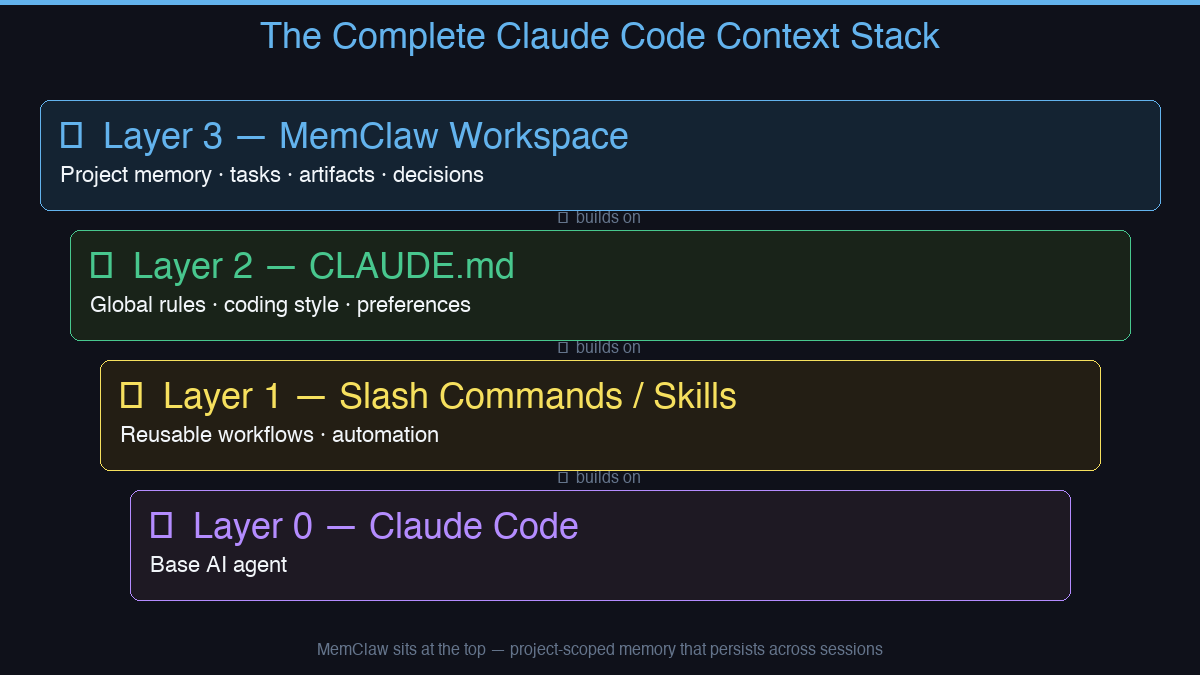
CLAUDE.md handles static context. MemClaw handles dynamic context. Together they give Claude Code full project memory — architecture rules, session history, decisions, and sprint goals.
Claude Code has two distinct memory problems. Most developers solve one and ignore the other.
Problem 1: Global rules and preferences — coding style, commit conventions, which tools to use. These should apply to every project.
Problem 2: Per-project context — what's in progress, what's been decided, what the architecture looks like. This should be isolated per project.
CLAUDE.md solves Problem 1. MemClaw solves Problem 2. Together they form a complete context stack.
Layer 1: CLAUDE.md (Global Rules)
CLAUDE.md is a Markdown file Claude Code reads automatically at the start of every session. Put it in your home directory (~/.claude/CLAUDE.md) for global rules, or in a project root for project-specific overrides.
Good things to put in CLAUDE.md:
- Preferred languages and frameworks
- Commit message format
- Code style preferences
- Things Claude should never do
CLAUDE.md is static. It doesn't update itself, doesn't track tasks, and doesn't know which project you're working on.
Layer 2: MemClaw (Per-Project Workspace Memory)
MemClaw sits on top of CLAUDE.md. Each project gets its own isolated workspace containing:
- Living README — project background, current status, preferences specific to this project
- Artifacts — documents, reports, URLs, files attached to this project
- Tasks — auto-tracked as the agent works
- Decisions — architectural choices, logged so they're never contradicted
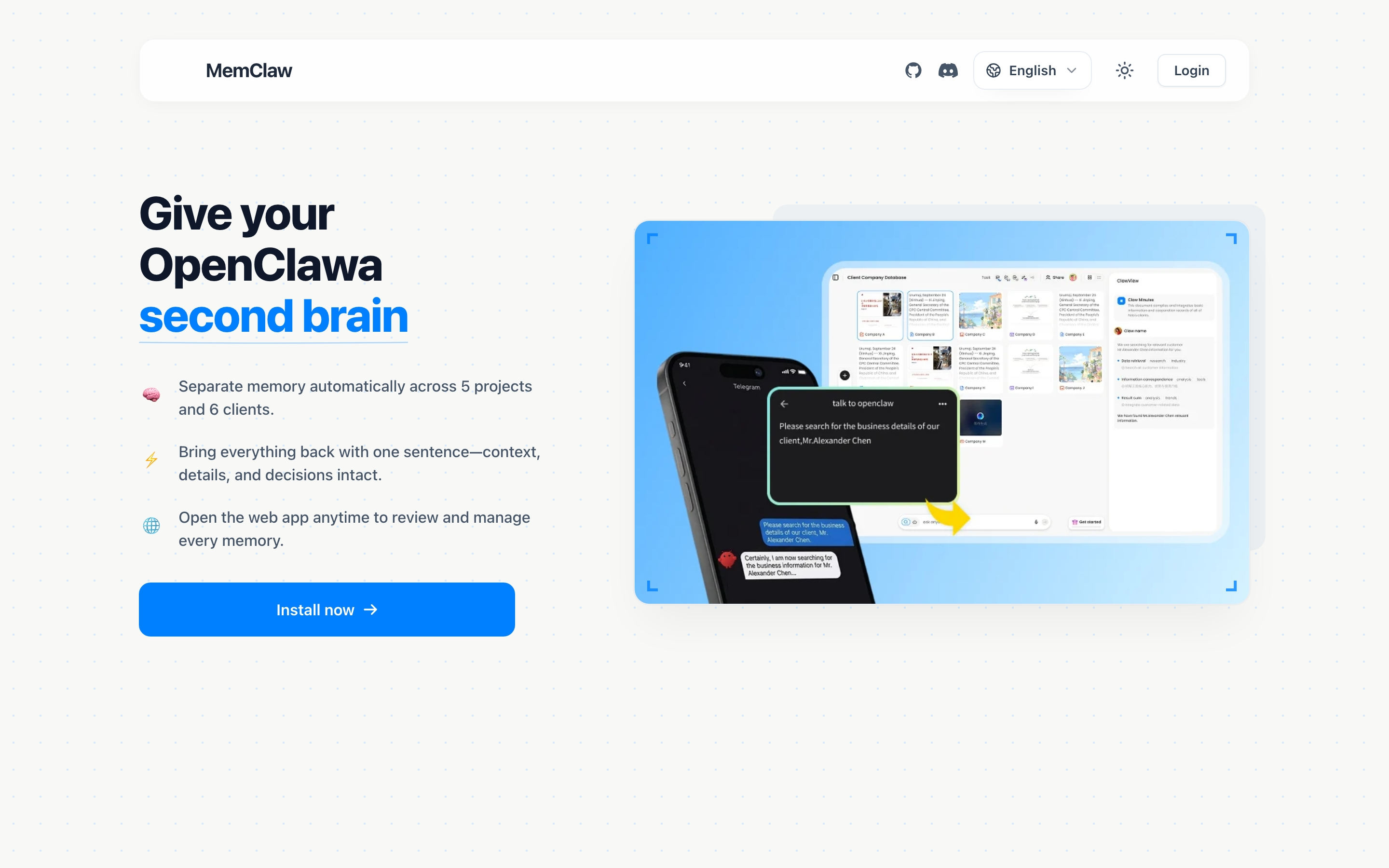
When you open a project, MemClaw restores full context in 8 seconds. The agent knows what's in progress, what's been decided, and what still needs doing — without you re-explaining anything.
Why Both Matter
| CLAUDE.md | MemClaw | |
|---|---|---|
| Scope | Global (all projects) | Per-project (isolated) |
| Updates | Manual | Automatic |
| Tracks tasks | No | Yes |
| Stores artifacts | No | Yes |
| Context restore | Static load | 8-second restore |
Using only CLAUDE.md means every project shares the same context — no isolation. Using only MemClaw means you lose your global preferences when switching machines. Both together gives you a complete, layered system.
Works for More Than Developers
This stack isn't just for coding projects. Freelancers, product managers, and sales professionals all benefit from per-project isolation:
- Client A's context never bleeds into Client B
- Decisions made last week are still there next week
- Five projects in parallel, each with its own clean workspace
How to Install MemClaw
Claude Code Plugin Marketplace (recommended):
/plugin marketplace add Felo-Inc/memclaw
/plugin install memclaw@memclaw
export FELO_API_KEY="your-api-key-here"
Get your API key at felo.ai/settings/api-keys. OpenClaw:
bash <(curl -s https://raw.githubusercontent.com/Felo-Inc/memclaw/main/scripts/openclaw-install.sh)
memclaw.me — the per-project memory layer your CLAUDE.md setup is missing.