MemClaw for Freelancers: Manage Multiple Client Projects Without Context Chaos

Freelancers juggling multiple clients face constant context switching. This guide shows how MemClaw isolates client projects and eliminates context contamination.
Freelancers face a unique context challenge: you're constantly switching between client projects, each with different tech stacks, different coding standards, different constraints, different histories.
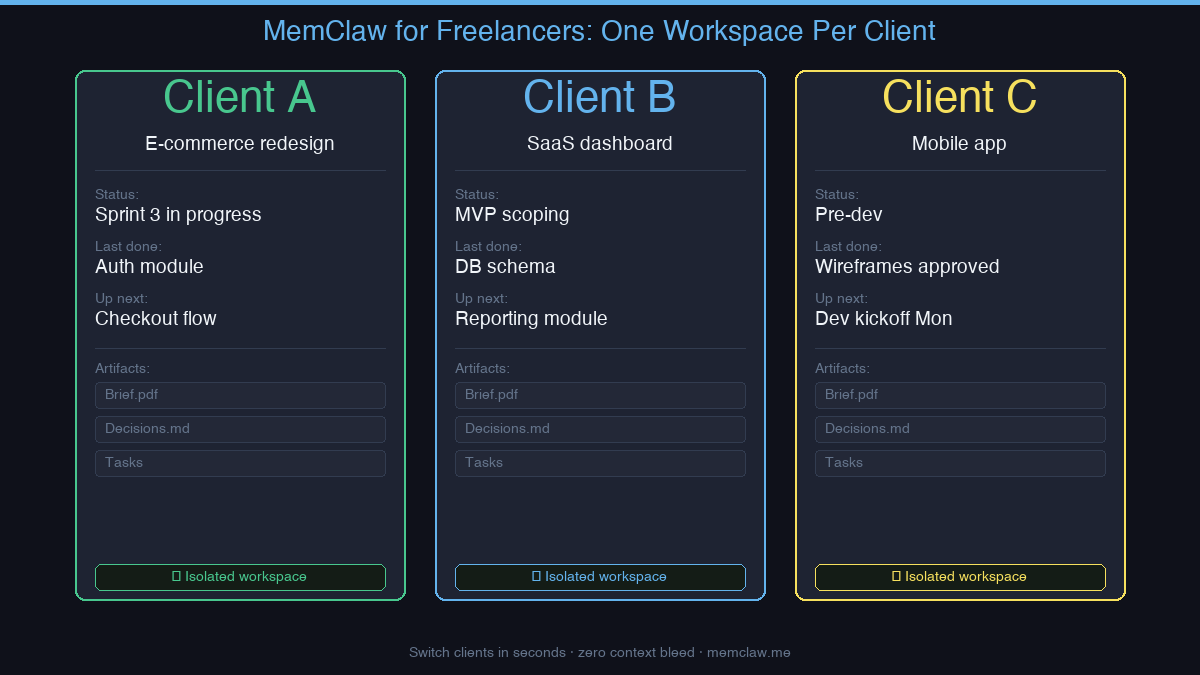
Without persistent memory, every time you open a client project in Claude Code, you start from zero. You re-explain the stack, the patterns, the decisions you made three weeks ago. Then you switch to the next client and do it again.
MemClaw gives each client their own isolated workspace. One client = one workspace.
The Freelancer Context Problem
Here's what context chaos looks like in practice:
- You're deep in Client A's React codebase. You switch to Client B — and Claude starts suggesting React patterns that don't fit Client B's Vue setup.
- A decision you made with Client C two weeks ago (use Stripe, not PayPal) has disappeared. You spend ten minutes re-explaining it.
- Client A's API conventions bleed into Client B's codebase suggestions.
This isn't Claude's fault. There's simply nowhere to put per-client memory.
One Workspace Per Client
MemClaw creates an isolated workspace for each client project. When you load a workspace, the agent immediately knows:
- The tech stack and conventions for this client
- What's in progress on this project
- Decisions already made (and why)
- Outstanding tasks and next steps
What each workspace stores:
| Component | Example |
|---|---|
| Living README | "Client A: e-commerce site, React + Node, Stripe for payments" |
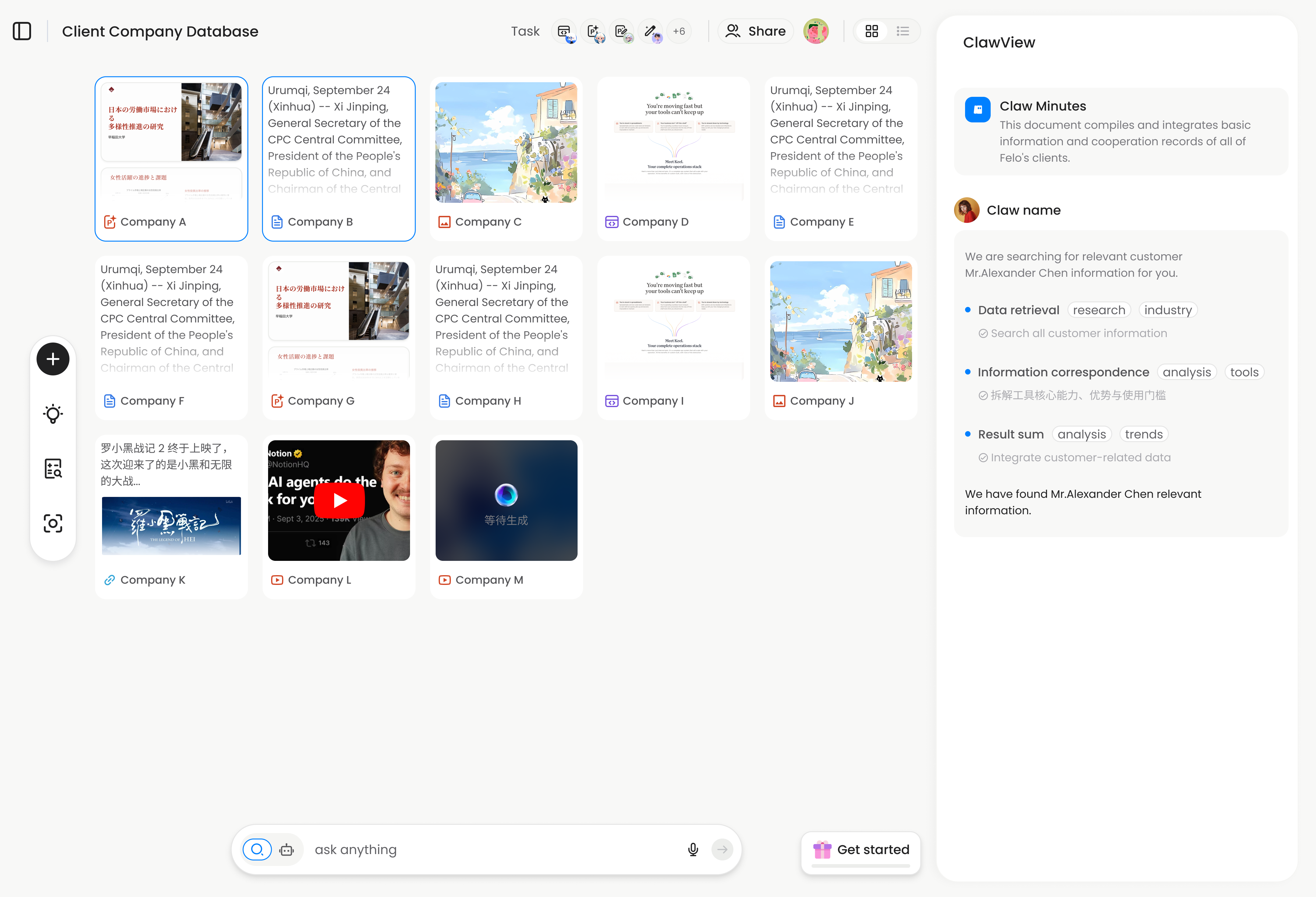
| Artifacts | Brief.pdf, API spec, design mockups |
| Tasks | "Checkout flow — in progress", "Auth — done", "Admin panel — next" |
| Decisions | "Using Postgres not MySQL — JSON query requirements" |
Context restore: 8 seconds. Switch clients without losing a beat.
A Typical Freelancer Day with MemClaw
# Morning: Client A
load workspace client-a-ecommerce
# → Sprint 3. Checkout flow in progress. Last session: fixed cart persistence bug.

# Afternoon: Client B
load workspace client-b-dashboard
# → MVP scope. DB schema finalized. Next: build the reporting module.

# Evening: Client C
load workspace client-c-mobile
# → Wireframes approved. Dev starts Monday. Stack: React Native + Expo.
No re-briefing. No context bleed. Each client gets your full attention from the first message.
Not Just for Developers
MemClaw works for any freelancer using AI agents — not just developers:
- Designers — brand guidelines, client preferences, revision history per client
- Writers — tone of voice, editorial decisions, content calendar per client
- Consultants — project background, stakeholder notes, deliverable status
- Anyone managing multiple clients with different requirements
Natural language interaction. No JSON config. No technical setup required.
How to Install MemClaw
Claude Code Plugin Marketplace (recommended):
/plugin marketplace add Felo-Inc/memclaw
/plugin install memclaw@memclaw
export FELO_API_KEY="your-api-key-here"
Get your API key at felo.ai/settings/api-keys. OpenClaw:
bash <(curl -s https://raw.githubusercontent.com/Felo-Inc/memclaw/main/scripts/openclaw-install.sh)
Saving Context as You Work
MemClaw updates automatically as the agent works. You can also save things explicitly:
save decision: Client A wants weekly status emails, not Slack updates
save artifact: client-a-brief.pdf
mark task complete: auth module
Next session, it's all there.
memclaw.me — one workspace per client, zero context chaos.