OpenClaw Memory: How to Give Claude Persistent Memory Across Sessions

OpenClaw memory (MemClaw) gives Claude Code persistent project memory across sessions. Install via the Claude Code plugin marketplace — no JSON config required.
Every developer who uses Claude Code hits the same wall eventually.
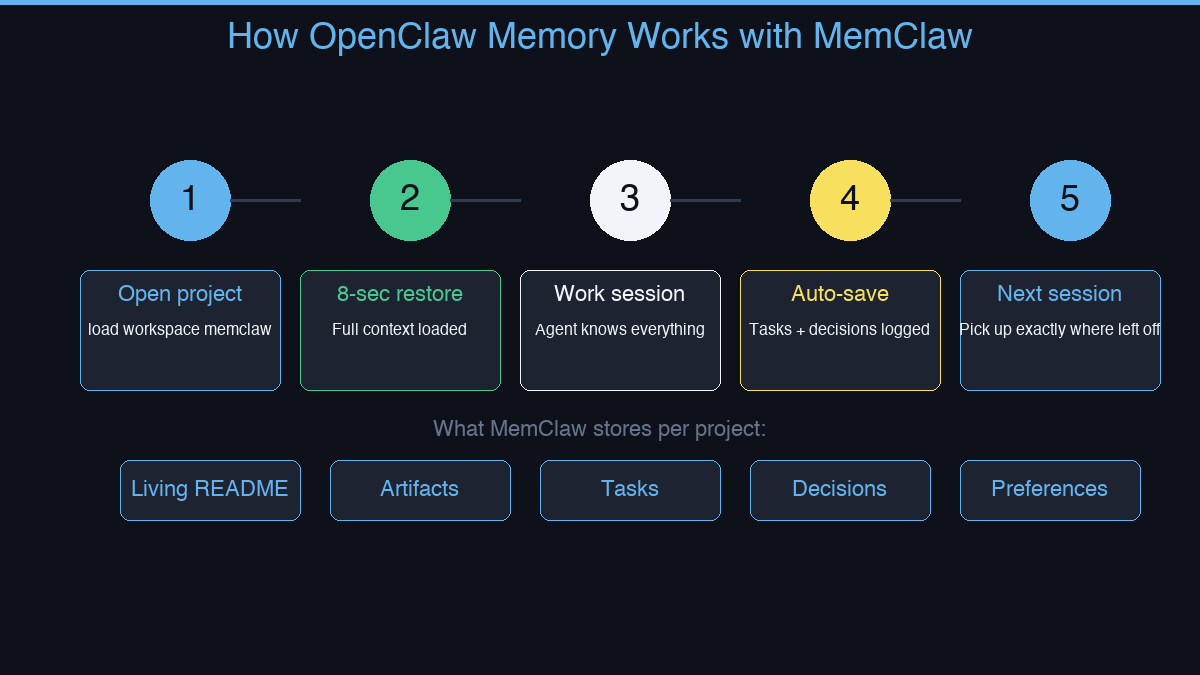
You open a new session. Claude has no idea who you are, what you're building, or what you decided last week. You spend the first fifteen minutes re-explaining everything before you can get any real work done.
OpenClaw memory solves this. MemClaw is the memory skill that gives Claude persistent, project-scoped workspaces across every session.
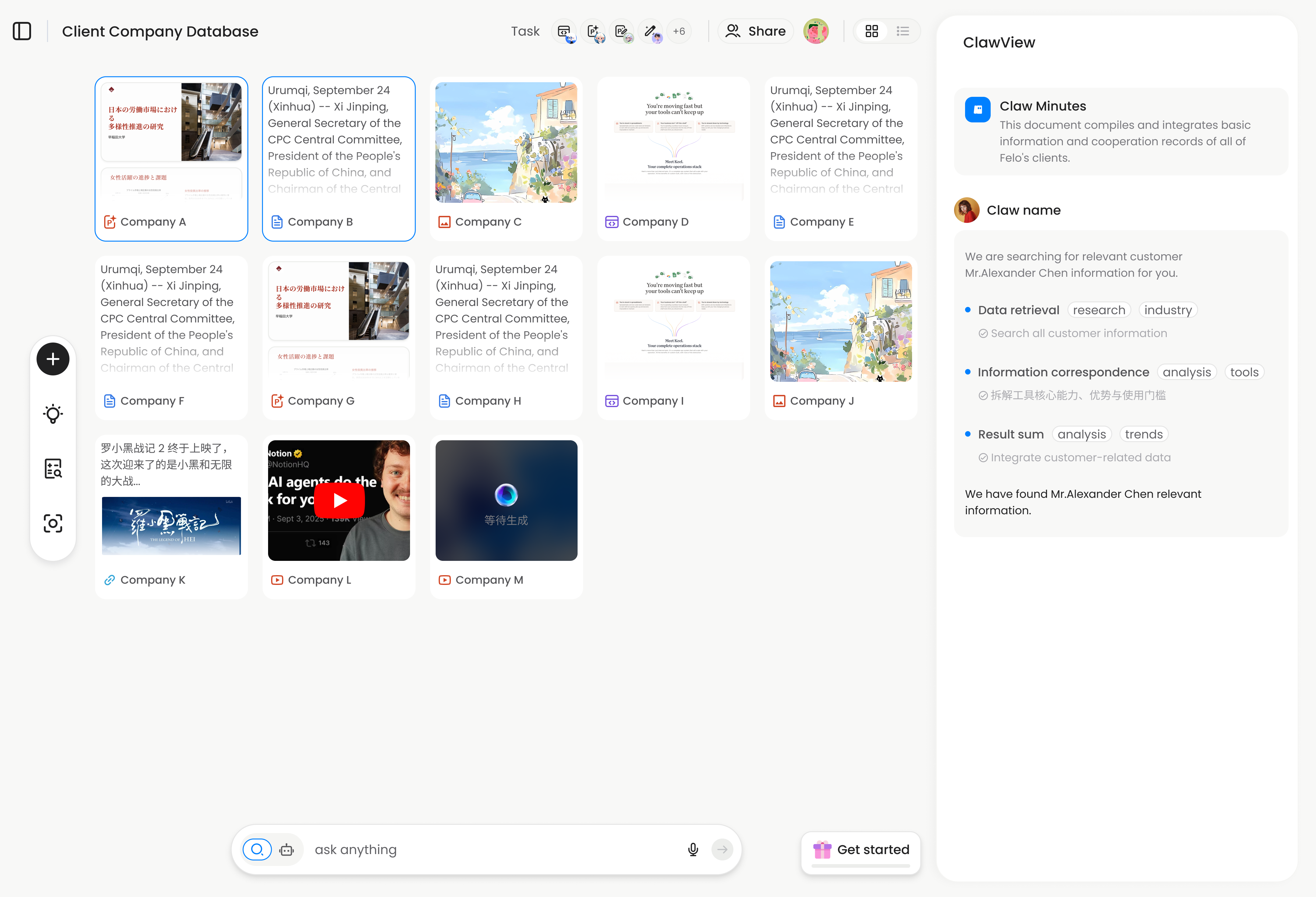
How MemClaw Memory Works
MemClaw doesn't store a global memory blob. It creates an isolated workspace per project. When you open a session and load a workspace, the agent restores full project context in about 8 seconds. For a step-by-step walkthrough, see our persistent memory setup guide.
What gets stored per workspace:
- Living README — project background, preferences, current status. Updates automatically as work happens.
- Artifacts — documents, reports, URLs, files attached to this project. Reference them by name in any session.
- Tasks — auto-tracked as the agent works. See what's done, in progress, and next without asking.
- Decisions — why you chose X over Y, logged so the agent never contradicts a past decision.
Why Per-Project Isolation Matters
Global memory (one memory store for everything) creates its own problem: context from Project A bleeds into Project B. A decision made for one client gets applied to another.
MemClaw's per-project isolation means:
- Each project has its own clean context
- Switching projects means switching workspaces — zero bleed
- Five projects in parallel, each with its own state. For tips on naming, structuring, and scaling workspaces, read our workspace organization best practices guide
Using MemClaw with OpenClaw
Once installed, working with MemClaw is natural language:
# Load a workspace
load workspace my-api-project

# Claude restores context:
# Working on payment service refactor.
# Decision: idempotency keys on all POST endpoints.
# In progress: webhook handler.
# Next: retry logic tests.

# Save a decision
save decision: using Redis for sessions — Postgres latency too high under load

# Log a task complete
mark webhook handler as done
The workspace updates automatically as the agent works. You don't need to manually save most things.
Cross-Agent Compatible
MemClaw workspaces work across Claude Code, OpenClaw, Gemini CLI, and Codex. If you switch agents mid-project, they share the same workspace — no duplication, no divergence. If you primarily use Claude, check out our guide on adding persistent memory to Claude Projects.
Who Uses MemClaw
- Developers — codebase context, architecture decisions, task tracking
- Freelancers — one workspace per client, zero context bleed
- Product managers — feature context, stakeholder notes, decision history
- Sales professionals — deal history, client requirements, follow-up tasks
- Anyone managing multiple projects with AI agents
Go Deeper
Want to explore specific aspects of OpenClaw memory? These guides cover each topic in depth:
- How to Set Up Persistent Memory in OpenClaw — Full step-by-step installation and first workspace setup
- Adding Persistent Memory to Claude Projects — For Claude Code and Claude Projects users specifically
- Workspace Organization Best Practices — Naming conventions, granularity, and scaling to 10+ projects
- Best AI Memory Tools Compared (2026) — MemClaw vs Mem0 vs CLAUDE.md vs manual context management
How to Install MemClaw
Claude Code Plugin Marketplace (recommended):
/plugin marketplace add Felo-Inc/memclaw
/plugin install memclaw@memclaw
export FELO_API_KEY="your-api-key-here"
Get your API key at felo.ai/settings/api-keys. OpenClaw:
bash <(curl -s https://raw.githubusercontent.com/Felo-Inc/memclaw/main/scripts/openclaw-install.sh)